Before you publish that AI video, check the plan
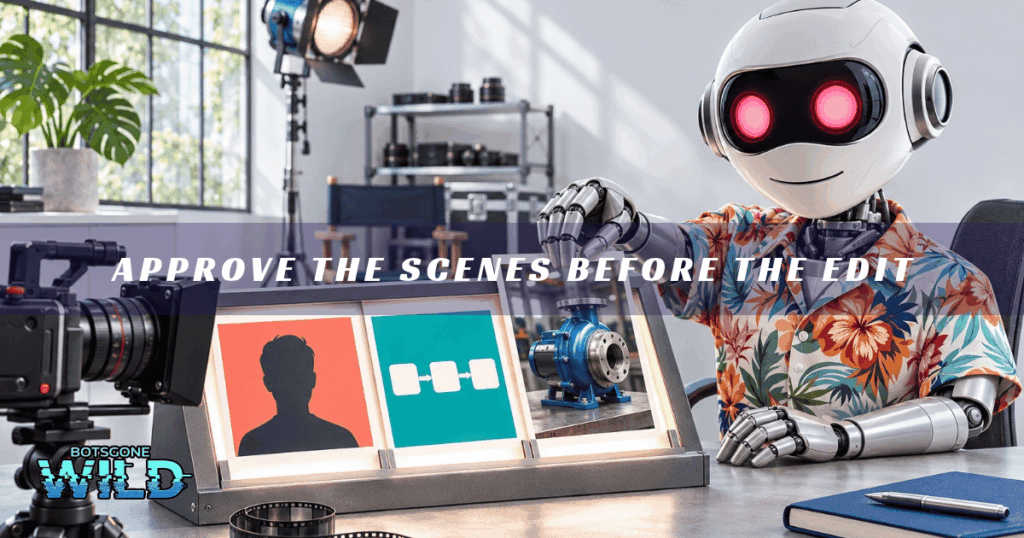
Approve the Scenes Before the Edit
Product-demo checks, November email requirements, and a better brief for your next video.

Hey humans!
“Make this look premium” leaves your editor with a lot of decisions. AI has to guess too.
Before the next founder video gets animated, decide what the viewer should see during each part of the explanation. You’ll have something specific to approve, and something specific to fix.
Today’s Playbook
(5 min read)
Quickies:
- Check the product inside the AI demo
- Spamhaus starts its November DNS rollout
🛠️ This Week’s AI Arsenal:
- AirOps Ads Library
- APIMart
📋 Mini-Playbook: Approve the Scenes Before the Edit
[FOR YOUR TEAM] Marketing owns the plan. Your founder approves the explanation; an editor or technically capable teammate handles the render.

⚡ QUICKIES
➡️ AI product demos need a reality check
Proveny promises story-driven AI ads that showcase physical products. Treat the accuracy of these demonstrations as something to verify. Compare the generated product’s shape, handling, and mechanism with real footage before approving the ad. Even a convincing scene needs to pass a product accuracy check.
➡️ Check your sending server this month
Spamhaus is gradually enforcing basic DNS requirements from November, including a valid server greeting hostname (HELO), reverse DNS, and a matching forward record. Ask your mail provider to review the official guidelines. Permission, authentication, and good list hygiene remain just as important as the technical setup.

Turn Founder Video Interest Into Qualified Leads
When a useful founder video earns interest, Scale on Steroids helps connect the campaign to qualification and CRM handoff through our Interest-to-Intent Pipeline. Plan your client acquisition test.
Find your growth leak – ScaleOnSteroids
🛠️ THIS WEEK’S AI ARSENAL
Explore observed ChatGPT ads by brand or domain, along with the prompts where AirOps found them. Use the library to gather competitor messaging and inform your campaign brief. Keep in mind that its US prompt sample is not a complete ad inventory, a spending report, or evidence of ad performance.
APIMart
A single API gateway that gives you access to text, image, and video models through one account. Your developer can use it to compare different models within an asset-production workflow. Before replacing your current setup, test the output quality and actual job costs with a small batch.

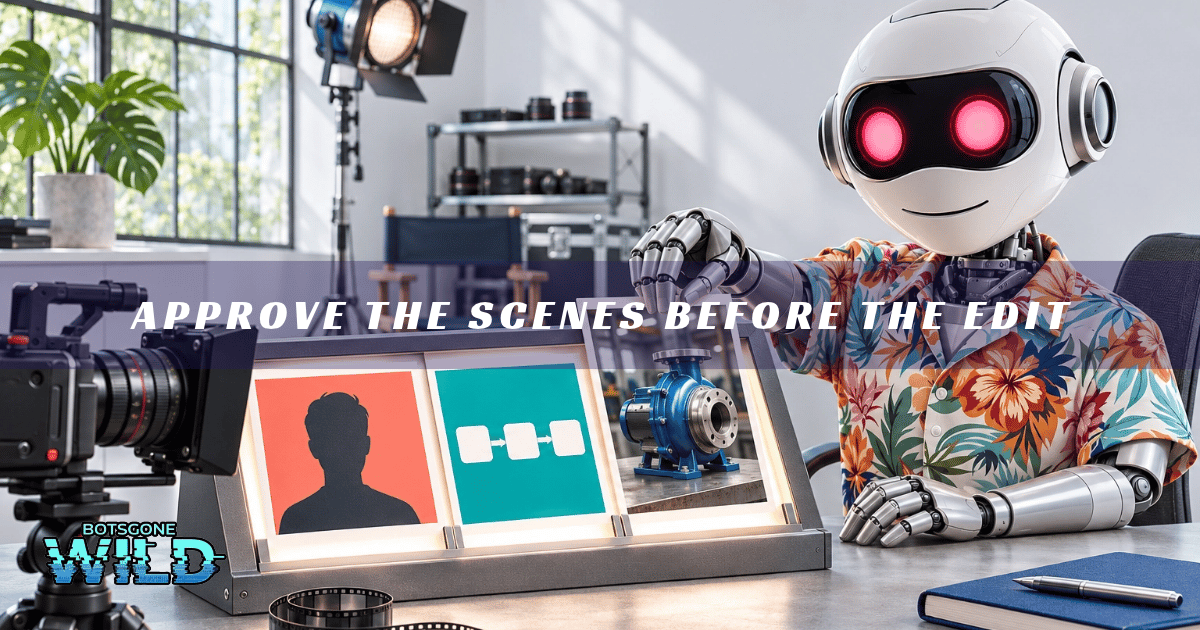
📋 Mini-Playbook: Approve the Scenes Before the Edit
Start with one useful answer your founder already shares with buyers. The goal is to create an approved scene plan first, followed by a finished short video.
Step 1: Choose one explanation
Select a 45–60 second clip that answers a single sales question. Transcribe it and check names, claims, and numbers for accuracy. Keep natural pauses wherever they make the explanation easier to follow.
Step 2: Create a small reference pack
Select three videos you own or have permission to use. Note the fonts, colours, caption placement, and how each video uses the speaker’s face, diagrams, or demonstrations. Save these details as a reusable editing brief.
Step 3: Request the plan first
Share the transcript, reference guidelines, and available assets with your AI assistant:
Step 4: Approve what each scene communicates
Keep the speaker on screen when introducing a point, and show the actual process when explaining it. For a video about the quotation process, for example, a request-to-specification-to-quote diagram gives the viewer a clear visual explanation. Remove decorative footage that doesn’t add meaning. The founder approves the message, while Marketing reviews the scenes and assets.
Step 5: Render, review, then finish
Ask the editor to render a short section first. Provide corrections with timestamps, approve the section, and then produce the remaining video and add sound. Review captions, claims, visual timing, and readability on a phone, both with sound on and off.
For code-based video production, Remotion supports coding agents and offers editing skills. This requires a working production setup; having a reference pack alone won’t generate the video.

🎯 NEXT STEPS:
- Choose one buyer question and one founder clip.
- Approve the scene plan before rendering.
- Review a short section, then finish and check the video.
Stay weird,
Vaibhav